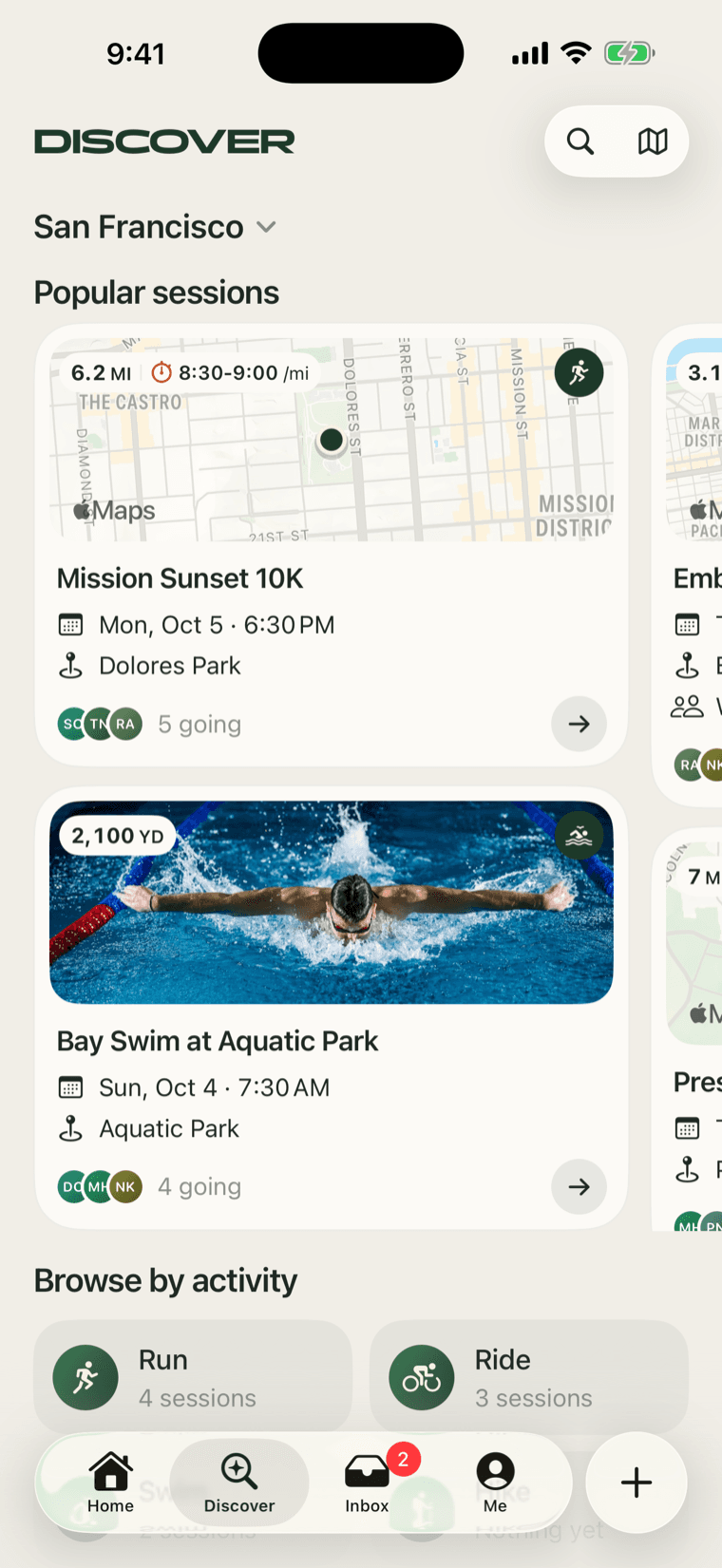
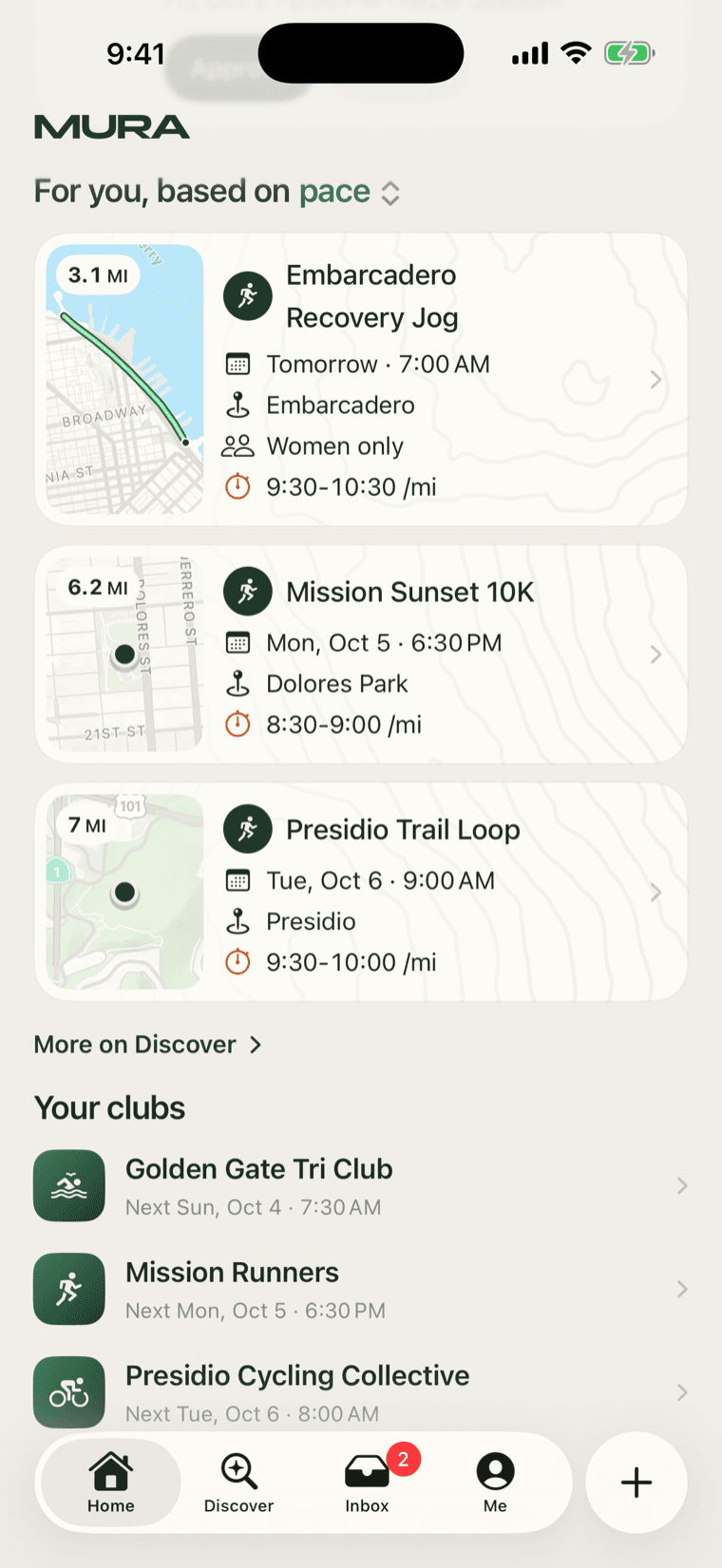
Mura on the web is live at muramove.com. It started as the page a shared link opens, so that someone without the app can see what they were sent. It became, over a week of building, a second way to use Mura: every public session and club has a page, anyone can join a session from it, and a host gets a console their phone does not have room for. Here is what it is and the few rules that shaped it.
What a link opens
A session's link opens its page: the cover or the map, the title, when and where, the distance and the pace, the route drawn on the map, the host, who is going, and a Join button. If you are not signed in, Join asks for your email, we send a six-digit code, you type it, and you are in. The host sees your name in the app and on the web. No account to make, no app to install.
A club's link opens the club: its cover, what it is about, the next sessions, and a way in.
What a visitor can see is small on purpose
Someone who is not signed in sees exactly what a public page needs and nothing more: public sessions and clubs only, the host's first name and photo, how many are going rather than who, the route and the pin but not the address or the meeting note. Sign in, and the same pages follow the app's own rules, so a member sees the faces and the meeting note and a leader sees the tools.
That split meant the first version of the site could not show anything private even by mistake, which is the right property for a page that gets pasted into group chats.
The host's console
Hosting from a phone is fine for posting. Running the morning of is better on something bigger. Manage shows the guest list with everyone's standing, lets you approve requests, and checks people in: the host taps a name, or shows a code on screen that a guest scans or types, and attendance is written to the session. The list exports as a spreadsheet when a club needs it.
Share gives you an image for a story and a square one for a post, drawn from the session's own page, so a flyer is a download rather than a design job. There is a calendar feed per club so sessions land on members' calendars on their own, the route as a GPX for anyone who wants it on their watch, and repeating sessions: pick the days, every week or every other week, and the weeks ahead post themselves.
The composer, with the route builder
Posting on the web is the app's composer in a browser, including the route builder. Click to add a point, drag a point to reroute, close the loop, upload a GPX. It follows the same rules as the app, so a route drawn here opens in the app's builder with its points intact, and one recorded on a watch stays untouched on both.
Small things that make it feel like one product
Every page's loading state is that page's own layout drawn in a muted wash, never a spinner and never a blank card. Pictures wait on the same wash and fade in once they have fully arrived, so nothing paints in strips. The colours and the type are the app's. And on an iPhone with the app installed, a Mura link opens the app instead of the browser.
Why the web at all
Two reasons, and they are the same reason. Members join from a link, and a link should work for everyone, on every phone, including the ones that cannot run the app. And the people who run clubs live on laptops as much as phones, and we think they are the people Mura is most for. More on that soon.