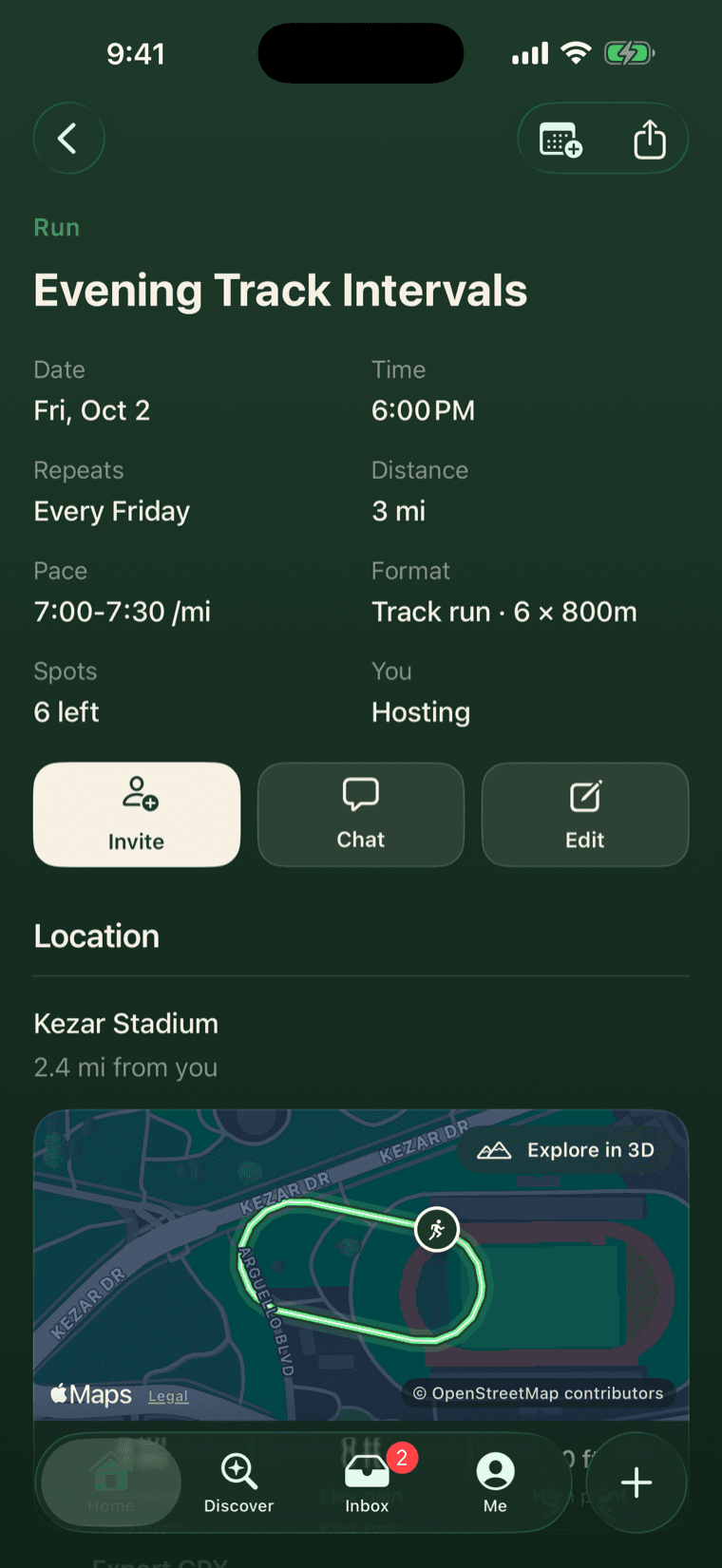
A session with a route answers the questions people actually ask before they show up: how far, how hilly, where do we turn. This week the new Mura got its route builder, GPX import and a library of your own routes. Underneath them is a short set of promises about where a route comes from, and most of the design fell out of those.
Where a route comes from
A route on Mura comes from one of two places: a recording you already have, from a watch or any app that exports a GPX file, or the points you place on the map, which we join up along real roads and paths. The map data behind that is OpenStreetMap, and the credit sits on every screen that draws a route, because that is the deal.
That is the whole list. We never make a route up, and we never store a line that does not follow the ground.
A recording is never touched
This is the promise we care most about. A route you drew keeps the handles you placed, so you can open it later and move them. A route you recorded has no handles, and that is the signal: nothing we build will ever re-route or re-measure a recording. We will not quietly move your run onto the nearest road because a computer thought it knew better.
The builder
Tap the map and a point appears, joined to the last one by a straight line at once. A moment later the straight line is replaced by one that follows the road. Drag a point and only the two legs touching it are redrawn; the rest of the route does not flicker. Undo and redo go as deep as you like. Close loop joins the end to the start; out and back mirrors the route home.
A leg that cannot follow a road, across water or through a gap in the map, stays as a dashed straight line. It never blocks you from saving. A leg that failed for a passing reason gets a Retry, and the app retries it on its own when you come back.
Reopening a route splits it at your points and leaves it exactly as you saved it. A recording opens read-only, with a single Keep route button.
Along the bottom: the distance, the climb, which opens an elevation profile, and the estimated time once a pace is set.
Three ways in for a recording
Import GPX inside the composer, from Files. Share from any app that exports one, straight into Mura, which opens the composer with the route already on the map. Or Open in Mura from Mail or Files.
Your routes
Every route you have drawn, and every route from a session you hosted or joined, is in My routes, so the Tuesday loop is one tap the next time. Delete one and draw the same loop again later, and it comes back as itself rather than as a duplicate.
Still open
The session page flies over the route in 3D, and we wanted a dot showing where you are along it as it flies. Moving the dot every frame made the camera stutter, and a fixed dot in the centre of the screen fooled nobody. It is off until we find a way that does both.